It’s been a rough couple of weeks on the internet. Microsoft 365 went down across most of the Americas. The FAA grounded every departing flight in the US for over four hours. A few days later, Chase, Bank of America, Wells Fargo and a bunch of other banks all had outages on the same day.
Add the chatter about the grid, AI finding holes in everything, and AI agents running rampant around the internet, and I get it. Things feel a little crazy right now.
Panicking doesn’t help. You can’t fix Microsoft or your bank, but you can control what happens at your own office when the power or the internet goes out. Below are my top 5 tips for mitigating outages, in the order I’d do them. Some of the gear is on sale this week for Black Friday, and I’ve marked the real deals.
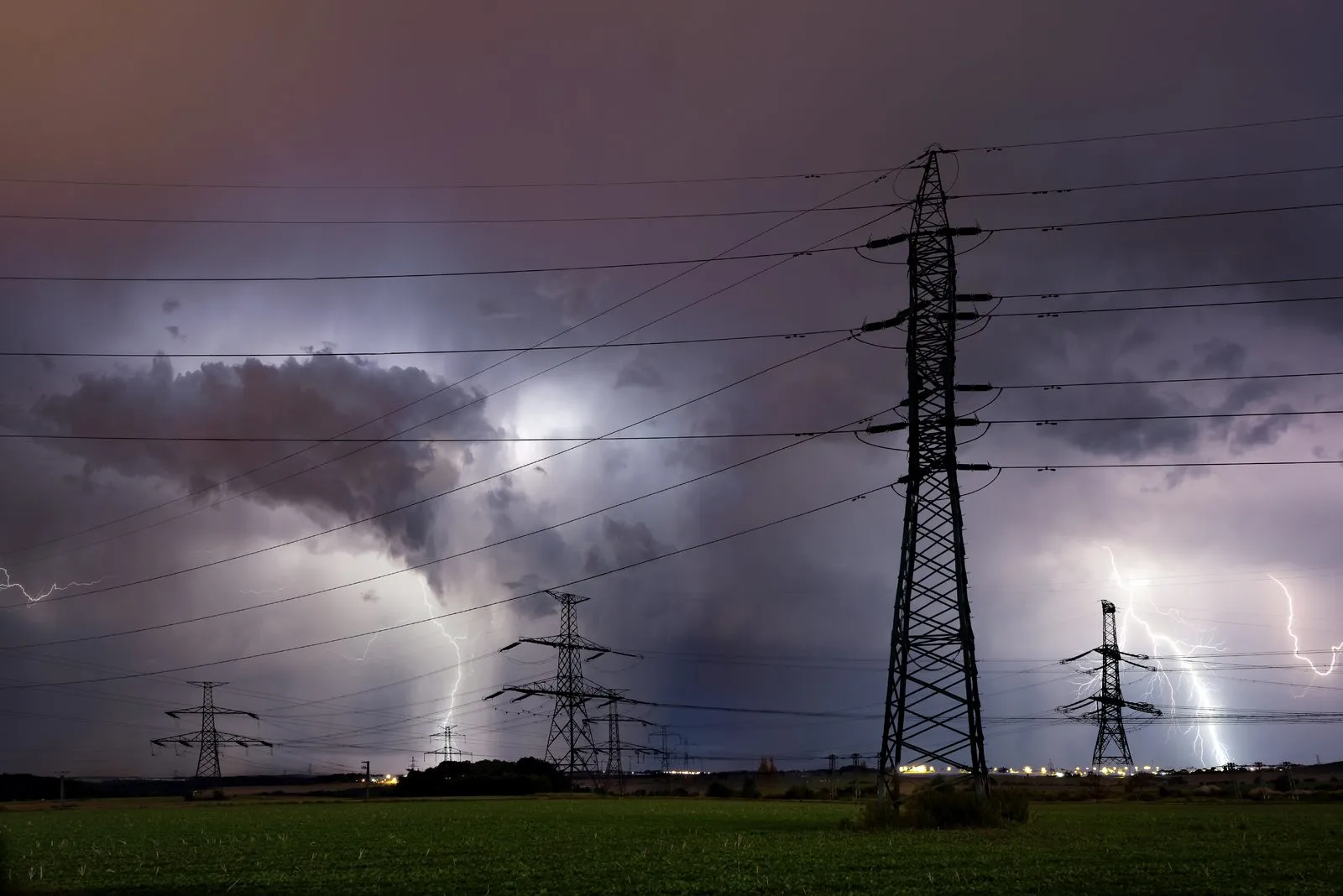
Why this winter? Three things make this winter riskier than usual.
Major services are going down
You can't prevent an outage at Microsoft or your bank, but you can make sure your own office keeps working when your power or internet goes out.
A strong El Niño
NOAA's November update gives a strong to very strong El Niño better than a 79% chance through March (NOAA CPC). That pushes winter storms farther south than usual.
Attackers are finding security holes faster
AI tools make security holes easier to find, for attackers as well as defenders. An old firewall, a management page open to the internet or an always-connected backup is a bigger risk than it was a year ago.
What El Niño usually means for your region:
| Region | What a strong El Niño winter usually brings |
|---|---|
| California and the Southwest | A wetter winter, with more flooding and more power outages |
| Gulf Coast and Florida | A wet, stormy winter, and Florida tends to see more winter tornadoes |
| Northeast | Less predictable, but a couple of big nor’easters are still possible |
| Pacific Northwest | Usually warmer and drier. But 2023-24 was also an El Niño winter, and the January 2024 ice storm knocked out power around Eugene for days |
Back up your data
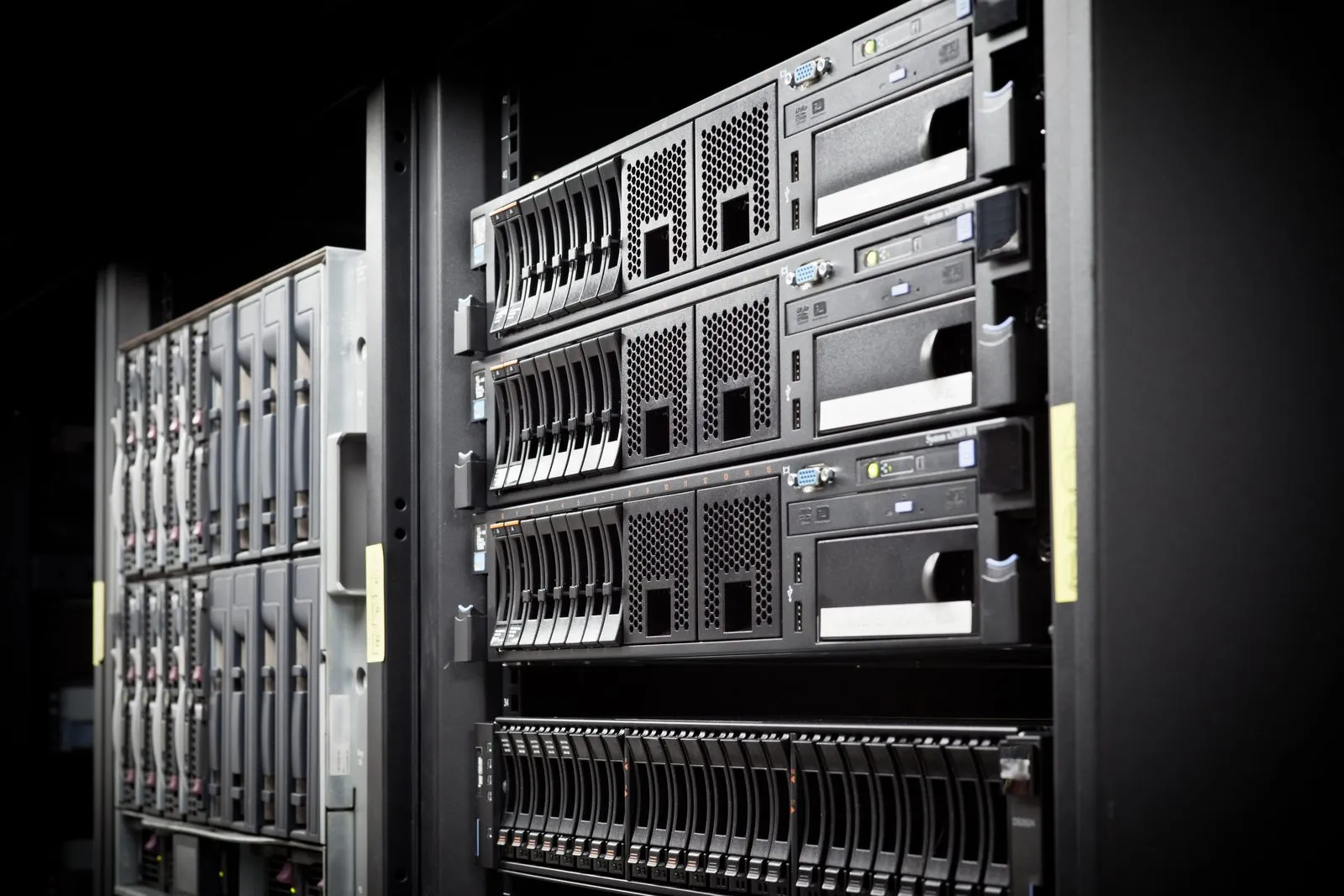
In my opinion, backing up your data is the most important thing you need to be thinking about. The rest of this list protects equipment or keeps you connected, and equipment can be replaced. Your accounting data and client records can’t.
A lot of small businesses already have a backup. Usually it’s a NAS (network-attached storage, basically a box of hard drives on your network) sitting in the same closet as the server it’s backing up. If that closet floods, you lose the server and the backup together. Ransomware is a problem too, because it looks for any backups it can reach over your network and encrypts those as well.
Follow the 3-2-1 rule: three copies of your data, on two different types of storage, with one copy off-site. I’d also make sure at least one copy is immutable, meaning nobody can change or delete it for a set period, not even an admin with your password. If ransomware gets in, that’s the copy you restore from.
Pro tip
Test a restore once your backup is set up. Until you've actually restored a file from it, you don't know the backup works.
The local copy: a NAS
Synology is what I’d go with for most businesses, mainly because of its software, which includes the snapshot, backup and replication tools I cover below. NAS prices don’t include drives, so budget for those too.
| NAS | What it is | Link |
|---|---|---|
| Synology DS225+ Black Friday deal | Two-bay unit | Check current price on Amazon |
| Synology DS425+ Black Friday deal | Four-bay unit | Check current price on Amazon · $479 at Newegg |
| Synology DS925+ Black Friday deal | Faster four-bay unit | Check current price on Amazon |
| Synology DS725+ Black Friday deal | Higher-end two-bay unit | Check current price on Amazon |
| UniFi UNAS Pro / UNAS 2 | Basic file storage you manage from the same UniFi console as the rest of your network. $499 / $199 at the UniFi Store, plus a tariff surcharge at checkout | UniFi Store |
| QNAP TS-464 | A solid third option | Check current price on Amazon |
| QNAP TS-462A Black Friday deal | A cheaper, stripped-down four-bay: less RAM, one 2.5 gig port, no PCIe slot | Check current price on Amazon · $499 at Newegg |
Synology can also make your local copy immutable. Its Immutable Snapshots feature (DSM 7.2 and later, on a Btrfs volume) is supported on current Plus models, including all four Synology units above, and once a snapshot is locked, nobody can delete it until the protection period you set runs out. Synology recommends 7 to 14 days.
Synology units can also copy to each other with Snapshot Replication. Put one NAS at the office and a second one at another office or a home office, and you’ve got an off-site copy you control. You can make the replicated snapshots on the second NAS immutable too. Both units need Btrfs volumes. For the snapshots on the second unit to be immutable, that unit also has to be on Synology’s supported model list.
UniFi’s UNAS does snapshots, but Ubiquiti doesn’t offer immutable snapshots on the UNAS line, so if you go with a UNAS, your immutable copy has to be stored somewhere else.
Heads up on hard drives
Hard drive prices are still high this year, and there aren't many real drive deals this Black Friday. The one real markdown I've seen is the WD Red Pro 22TB. Watch out for "deals" with inflated list prices, and for used or refurbished drives listed next to new ones.
Since DSM 7.3, the 2025 Synology Plus models let you build storage pools on third-party drives like WD Red Plus and IronWolf. Synology still lists only its own drives as compatible, though, so other brands show up as "Unverified" and Synology support for them is limited.
WD Red Pro 22TB Black Friday deal Check current price on Amazon
The off-site copy
| Service | Price | Notes |
|---|---|---|
| Backblaze B2 | $6.95 per TB per month | This is what I use. B2 also offers Object Lock, which makes files immutable, at no extra cost. Synology’s Hyper Backup doesn’t list support for it, though, so for a locked B2 copy you’d need backup software that supports B2 Object Lock. |
| UniFi Cloud Storage | $5 per TB per month | If you have a UNAS. It backs up the UNAS directly from the UniFi console. Ubiquiti doesn’t offer locked (immutable) backups for it yet. |
| Synology C2 | $79.99 a year for 1 TB | Built into Hyper Backup, Synology’s backup app. |
Battery and power backups
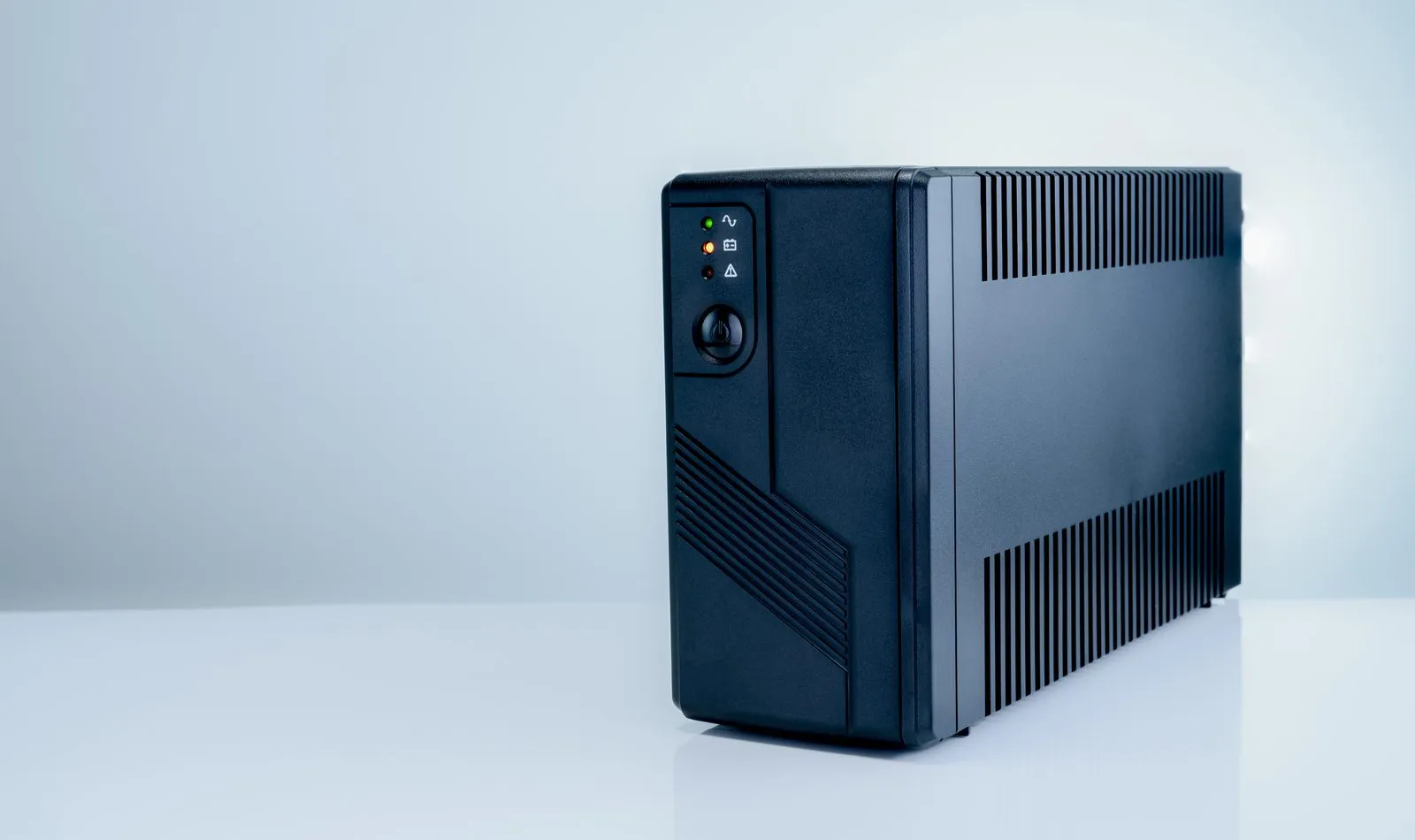
A UPS (uninterruptible power supply) is a battery that sits between the wall and your equipment. It won’t power an office through a three-day outage, but it can help keep your equipment online through shorter outages and power fluctuations. When the power goes out for longer, it gives you time to shut down properly, or keeps your equipment running until a generator kicks in.
Put your modem, your firewall and any other mission-critical equipment on it, like the NAS from step 1 or an important server that needs to stay online.
Size it by runtime, not by the VA number on the box. Add up the watts your equipment actually uses and check the manufacturer’s runtime chart. A 1500VA unit running a modem, a firewall and a PoE switch might last 30 or 40 minutes. The same unit running a full rack might last five.
I’ve used both CyberPower and APC UPS units and would recommend either one. The 1500VA versions are great for a small network closet.
| UPS | What it is | Link |
|---|---|---|
| CyberPower CP1500PFCLCD Black Friday deal | 1500VA, line-interactive, with pure sine wave output | Check current price on Amazon |
| APC Back-UPS Pro BR1500MS2 Black Friday deal | Also 1500VA with pure sine wave output. Check the model number, because the BN1500M2 looks almost the same but doesn’t have pure sine wave output | Check current price on Amazon |
| CyberPower OL1500RTXL2U | For a rack. An online (double-conversion) UPS runs your equipment from its own battery circuit all the time, so there’s no switchover and the power stays clean when the utility is unstable. It costs a lot more than the two above and runs hotter | Check current price on Amazon |
Pro tip
Plan on replacing your UPS batteries every 3 to 4 years, because they aren't rated to last much longer than that. When they wear out, you don't have to buy a whole new UPS. The batteries are replaceable, and the manufacturer lists the right replacement for your model.
For anything that isn’t on a UPS, use a surge protector, not a basic power strip. When power comes back after an outage, the surge can damage equipment too.
| Surge protection | What it is | Link |
|---|---|---|
| Tripp Lite TLP1208TELTV Black Friday deal | Desktop surge protector with 12 outlets, 2,880 joules and an 8 ft cord | Check current price on Amazon |
| CyberPower CPS1215RMS Black Friday deal | Rackmount PDU (a power strip made for a rack) | Check current price on Amazon |
Redundant Internet
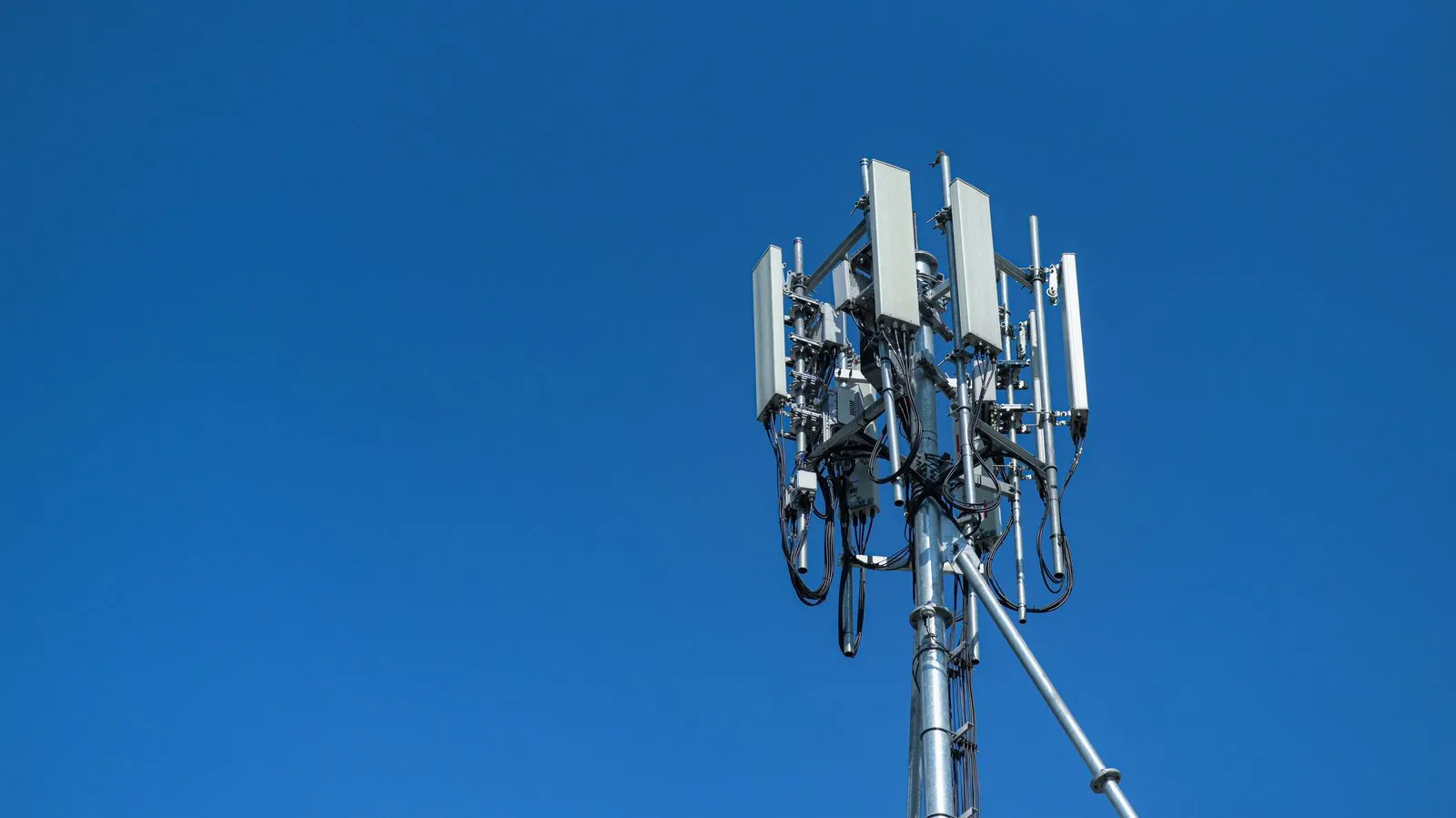
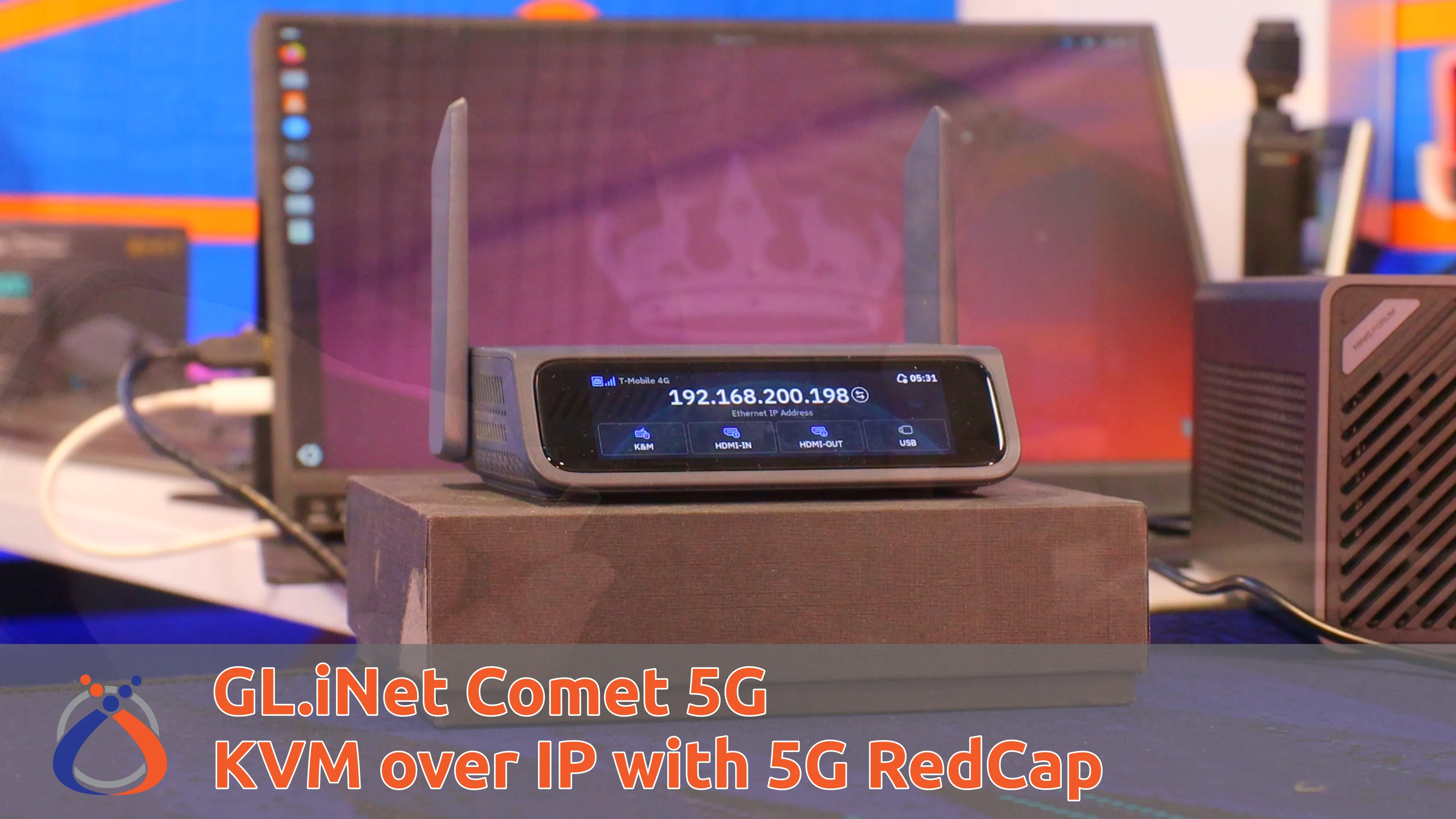
When a storm knocks out your internet, it’s usually because a cable or fiber line got damaged. Cell towers often stay up, because a lot of them have batteries or generators. So the fix is a second internet connection over 5G, with automatic failover. When your main line goes down, traffic switches to 5G on its own.
To be fair about it, this would not have helped during the Microsoft 365 outage. When a cloud service is down, your connection is fine and there’s nothing to fix on your end. What a 5G backup does help with is the more common problem, which is your own internet provider going down.
Peplink and Pepwave gear is what we install for clients at Crosstalk all the time. Prices are from Crosstalk Mobile.
| Gear | Price | What it does |
|---|---|---|
| Pepwave 5G Adapter | $399 | Where I’d start for most businesses. It plugs into a WAN port on the firewall you already have and adds a 5G connection. Your firewall sees it as another wired internet connection, so you keep your existing firewall and settings. It can also be powered over the Ethernet cable (PoE), so it only needs one cable |
| Peplink MAX BR1 Pro 5G | $999 | Replaces your firewall. A 5G router with the modem built in. It can be your backup connection, or your main connection at a site with no other internet |
| Peplink Balance 310 5G | $2,499 | Replaces your firewall at a bigger office. Handles multiple internet connections with load balancing, with 5G and PoE+ ports built in |
| Peplink Balance 310 Prime | $999 | The same load balancing without a built-in 5G modem, so you’d pair it with a 5G Adapter |
| Crosstalk Mobile data SIM | $149 a month, or $119 a month billed yearly | Unlimited 5G. A static IP is $5 a month more, and you get 10% off the hardware when you add a plan |
Black Friday deal
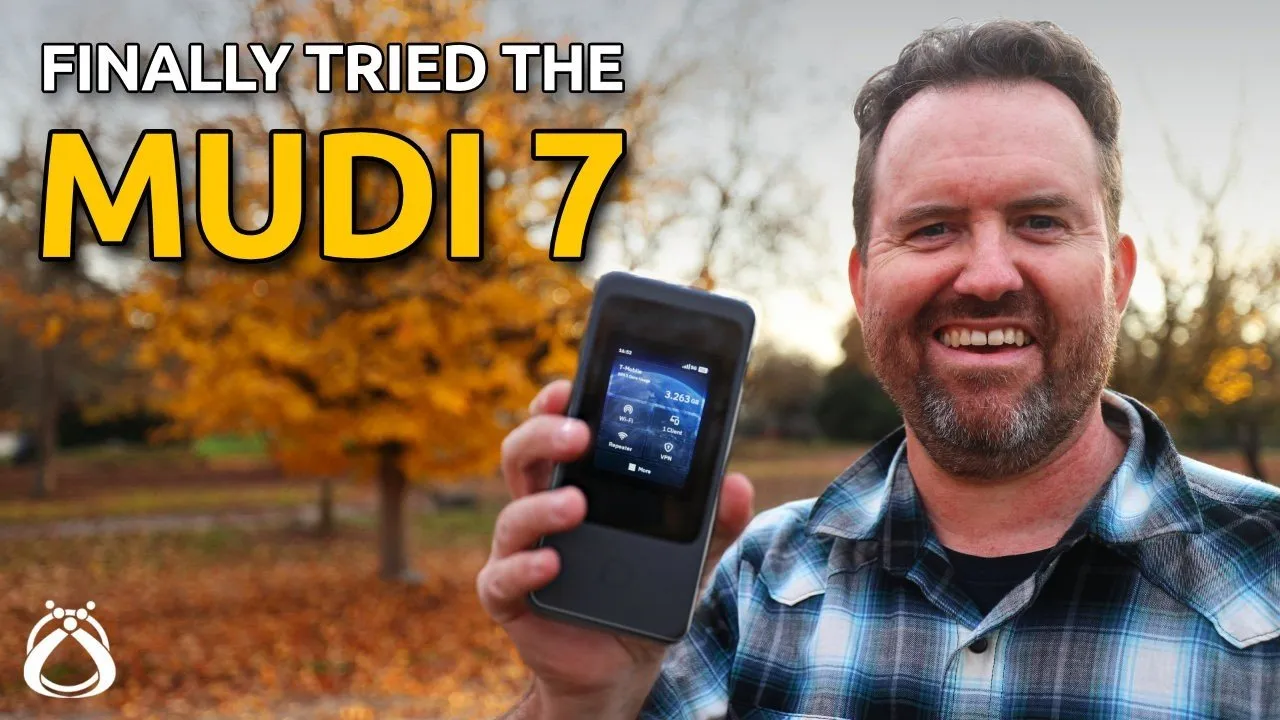
GL.iNet Mudi 7: 15% off, $357 (normally $419.99)
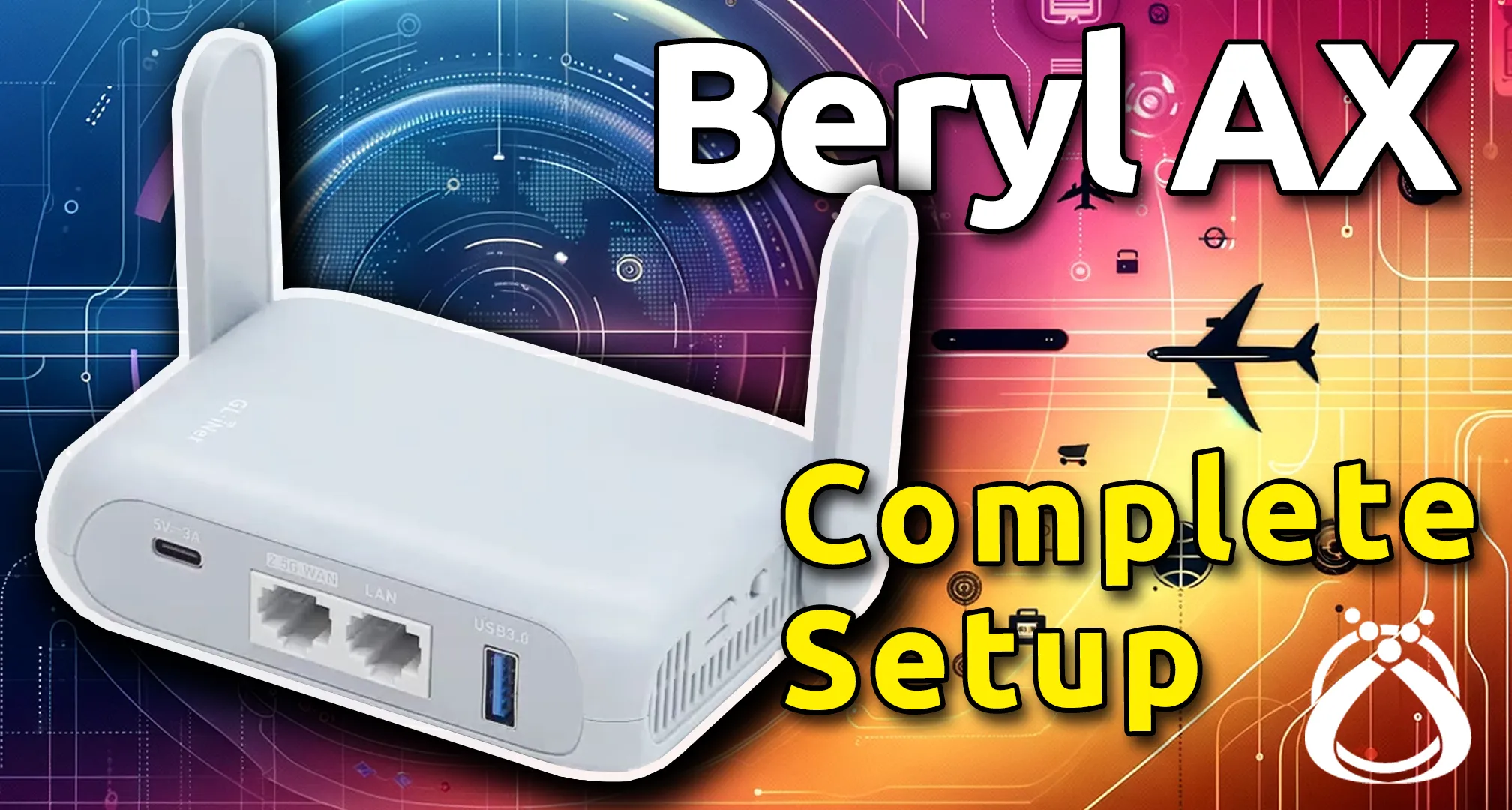
For a home office, or as a grab-and-go backup. The Mudi 7 is a pocket-size 5G router with dual SIM slots, a 2.5 gig Ethernet port and a battery that runs over 13 hours, so it keeps working when the power's out. I did a full video on the Mudi 7, which GL.iNet sponsored.
On GL.iNet's Mudi 7 page, click Redeem now on the 15% coupon under the price to get the sale price.
Pro tip from client work
Plug the 5G Adapter or Peplink router, your modem and your firewall into the UPS from step 2. I've seen 5G backups plugged into a regular power strip, so the backup internet went down with the power.
Designing and deploying redundant networks is one of our main services at Crosstalk Solutions. If you’d like help planning failover for your office, get in touch.
Environmental sensors

A leak sensor sits on the floor, or under the equipment, and sends an alert to your phone as soon as it gets wet. A temperature and humidity sensor tells you when the closet is getting too hot because the AC quit. These are cheap, and most offices don’t have them.
From the field
Back in the early 2000s, when I was an IT admin, our phone system lived in a utility closet, and there was an air conditioning unit on the roof right above it. One day the AC's condensate drain backed up, water started pooling on the roof, and then it started dripping straight into the phone system. It did thousands of dollars in damage and cut our PBX capacity for a few days. Luckily it happened on a weekday while I was in the office, so I was able to redirect the water quickly. On a weekend it would have been a lot worse. A water sensor in that closet would have alerted me as soon as the water started coming in.
| Sensor | What it is | Link |
|---|---|---|
| YoLink Water Leak Sensor starter kit Black Friday deal | Comes with the hub, and you can add more leak sensors to it. YoLink sensors talk to the hub over their own long-range radio instead of WiFi, so they reach the hub through walls and from closets where WiFi is weak. That’s why I’d go with YoLink for a network closet | Check current price on Amazon |
| YoLink Temperature and Humidity starter kit Black Friday deal | Temperature and humidity alerts on the same YoLink system | Check current price on Amazon |
| Govee water leak detector kit Black Friday deal | A WiFi gateway and three leak sensors for less than YoLink. $37.99 on Govee’s store with code LD17 (normally $54.99) | Also on Amazon |
Move your phones to the cloud

Say the office has no power for three days, or the roads are closed and everyone’s working from home. If your phone system runs from a box in your closet, your customers probably can’t reach you.
With the phone system in the cloud, an outage at your office doesn’t take your phones down with it. Calls still ring. At the very least they can go to voicemail, and you can also send them to another office that’s still up, or to cell phones as a last resort. Our Cloud PBX and Crosstalk Hosted PBX both work this way.
Black Friday
15% off all Crosstalk phones and servers
November 25 through November 30. The 15% comes off in your cart, with no coupon code needed.
Shop the sale
TL;DR
If you only do some of this, here's the order I'd go in:
- An off-site backup with at least one copy that can't be deleted.
- A UPS for your modem, firewall and other mission-critical equipment.
- A 5G backup with a Pepwave 5G Adapter and a Crosstalk Mobile SIM.
- A couple of water and temperature sensors.
- A cloud phone system, if yours still runs from your closet.
For home networks, Rogue Support can help.
Black Friday deals were checked on November 24, 2026 and can change quickly. Some links in this post are affiliate links, including Amazon, Newegg and GL.iNet. If you buy through one, we earn a commission at no extra cost to you. As an Amazon Associate, we earn from qualifying purchases.