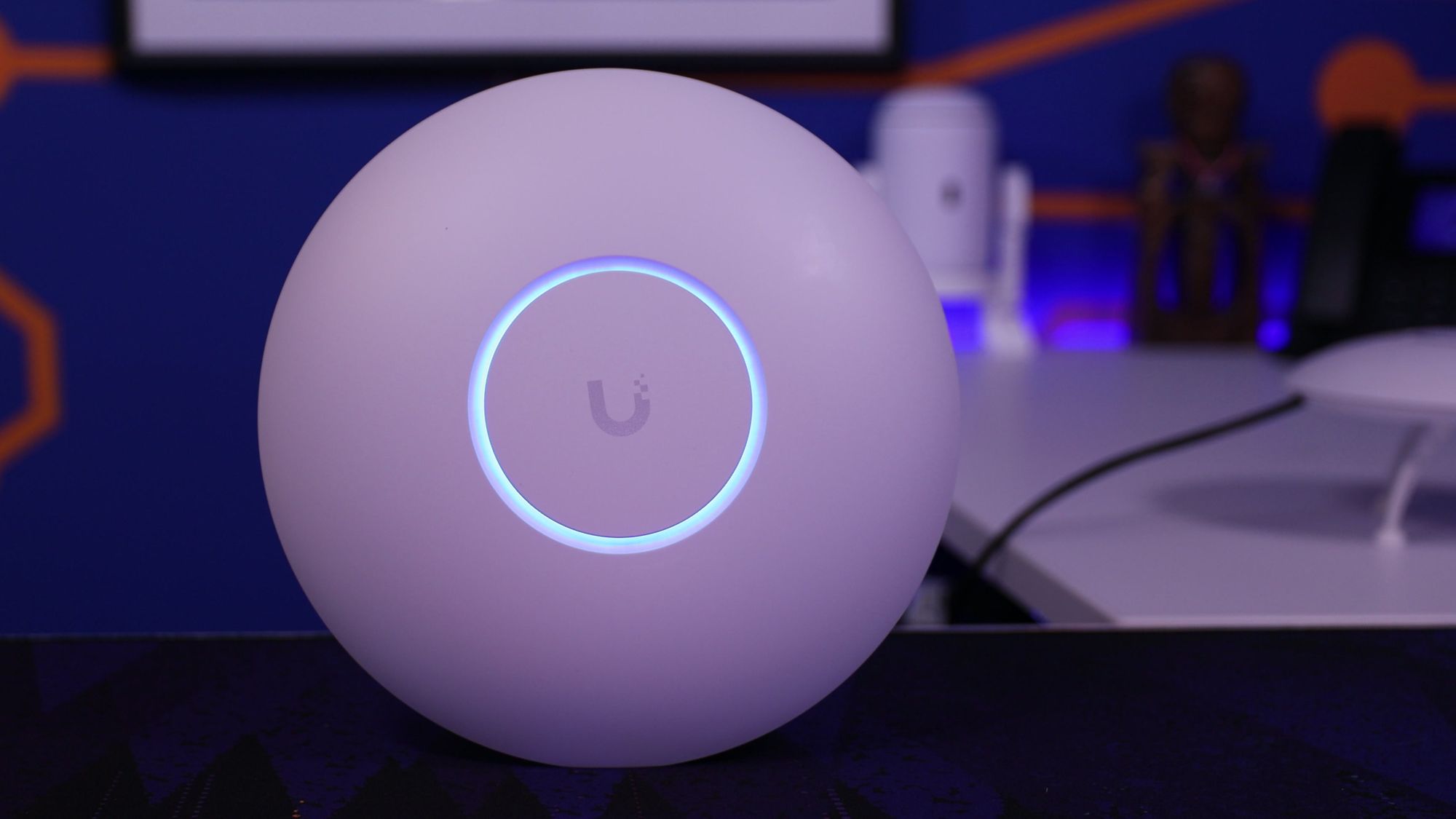
Business WiFi design that works in every room
We design WiFi to wireless best practices, choose and place the access points, and configure everything remotely, for offices, schools, warehouses and more.
The goal is simple: no dead zones, no dropped video calls, and a guest network that's kept separate from your business data.
Why businesses hire us for WiFi
- UniFi Certified Partner Listed nationally on Ubiquiti's installer directory
- Best-practice wireless design Coverage and capacity planned before anything is bought
- More than a decade teaching WiFi On the Crosstalk Solutions YouTube channel
- Remote, US and Canada Designed and configured remotely
Sound familiar?
Most bad business WiFi comes down to design: access points in the wrong places, or with the wrong settings.
- Video calls freeze when people walk from their desk to the conference room.
- Some rooms have great WiFi, and some rooms have none.
- You added access points to fix it, and the WiFi got worse.
- Guests, cameras and smart TVs are on the same network as your business data.
- The consumer mesh system you started with can't keep up with your team anymore.
- You're moving into a new building and want the WiFi right the first time.
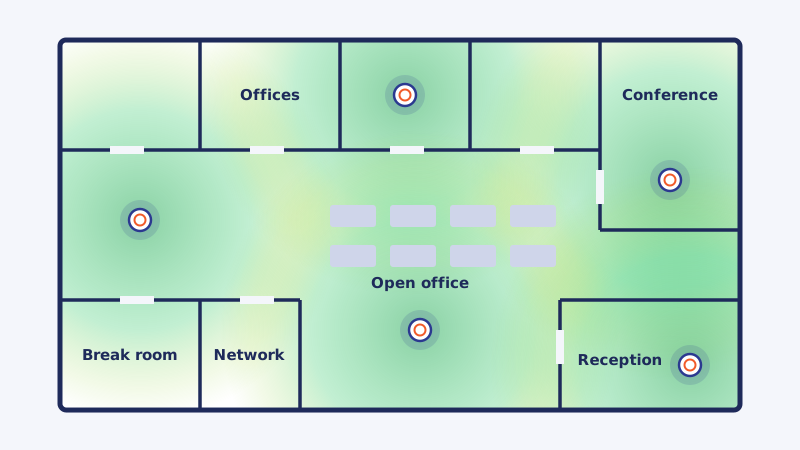
Our business WiFi services
From a new building to WiFi that's never worked right, here's where we can help.
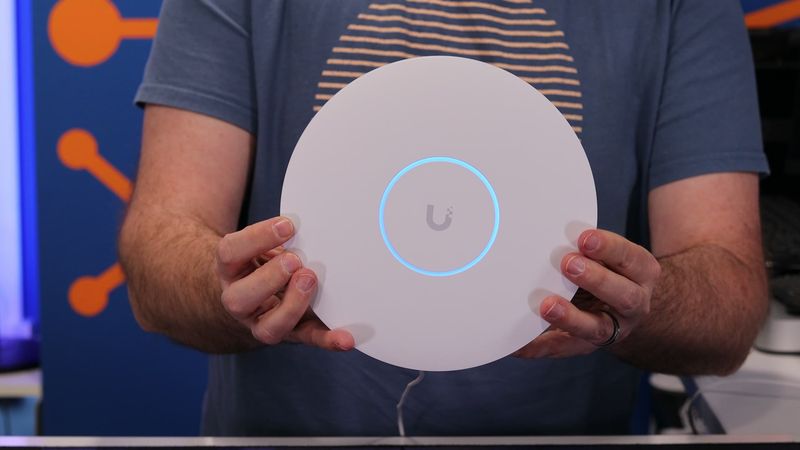
WiFi design
We design your WiFi to wireless best practices with professional planning tools, accounting for walls, ceiling heights and how many people and devices use each space. You get a coverage plan and a parts list before you buy anything.
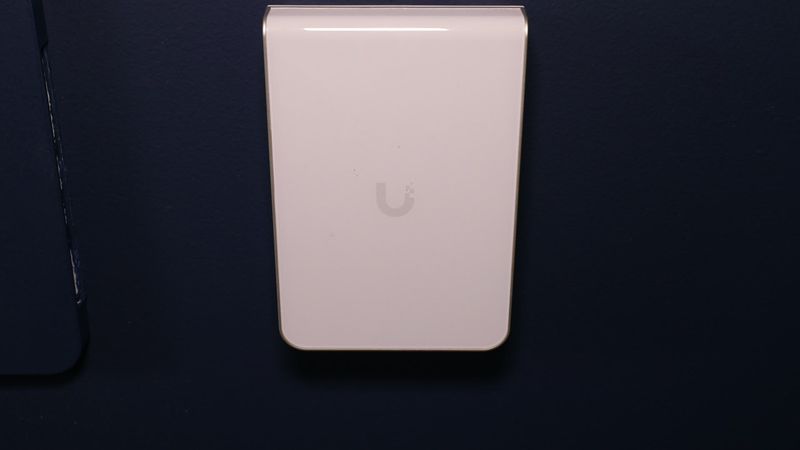
Access point selection and placement
Ceiling, wall or outdoor, WiFi 6 or WiFi 7: we pick the right access point for each space and mark exactly where it goes, so coverage overlaps without gaps.
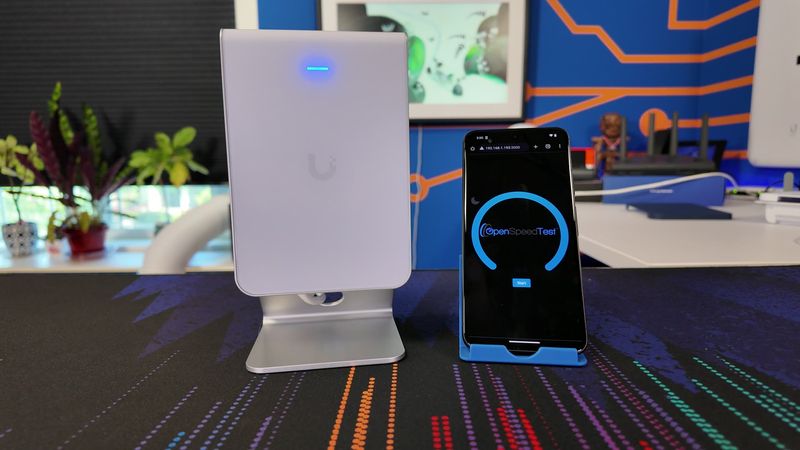
Guest WiFi and segmentation
Guests, cameras, phones and smart devices each get their own network (VLAN), so a visitor on your guest WiFi never sees your business data.
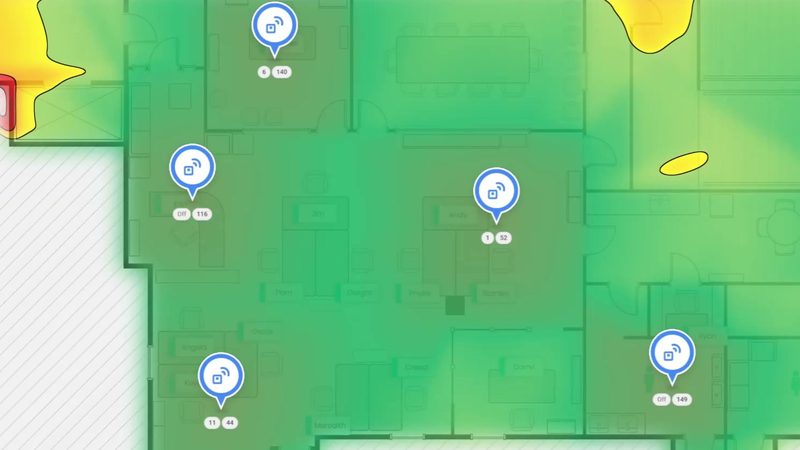
Roaming and performance tuning
We tune channels, transmit power and roaming settings so devices move between access points without losing signal, and so neighboring access points stop interfering with each other.
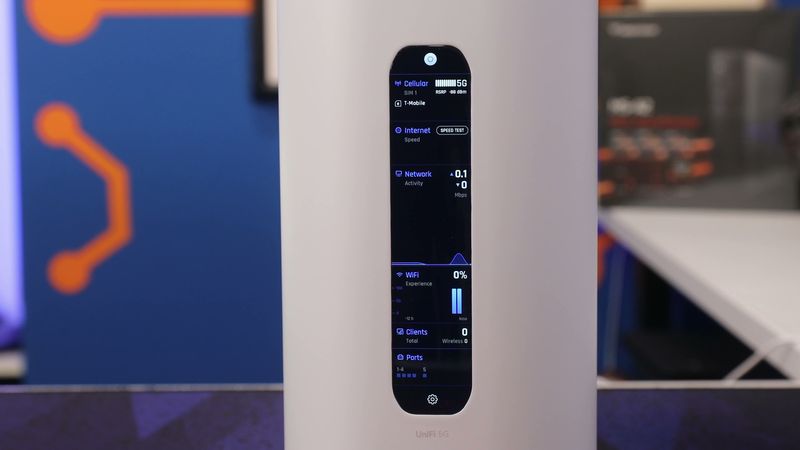
Upgrades and troubleshooting
Slow WiFi, dead spots or an aging system? We find out what's actually wrong before recommending new hardware, and when an upgrade does make sense, we plan the changeover so it doesn't disrupt your team.
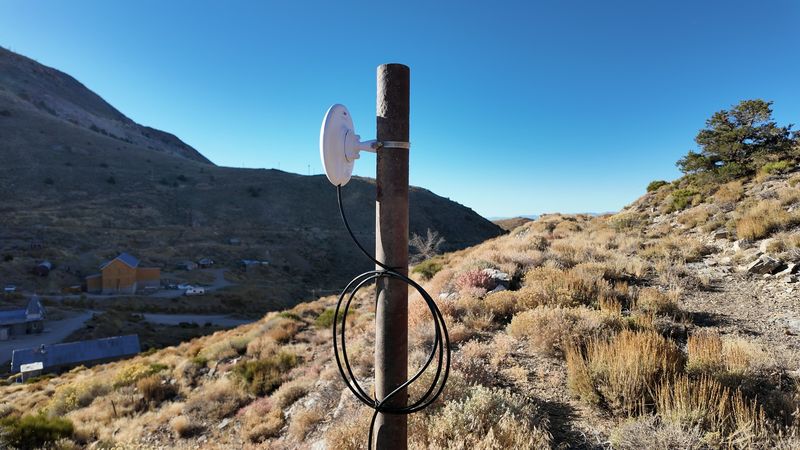
Outdoor WiFi and wireless links
Outdoor access points cover patios, yards and parking lots. When the network has to reach another building, we connect it with a point-to-point wireless link.
Point-to-point wirelessWiFi for every kind of space
Every building is different, and the design has to start from how the space is actually used.
Offices
Office WiFi for conference rooms, open offices and private offices, with roaming that keeps video calls connected.
Schools and campuses
Classrooms full of devices, gyms, libraries and the buildings in between.
Warehouses and industrial
High ceilings, metal racking and scanners that need coverage in every aisle.
Retail and restaurants
Point-of-sale, guest WiFi and back-office systems kept on separate networks.
Hotels and hospitality
Guest WiFi that works in every room, without guests landing on the same network as the front desk.
Multi-site organizations
The same WiFi names, security and settings at every location, all managed from one place.
Running an RV park or campground? See our campground WiFi work.
How a remote WiFi project works
You don't need us walking your halls to get great WiFi. Here's how we do it remotely:
Tell us about your space
Send us your floor plans (even a photo of a fire-exit map works) and an idea of how many people and devices use each space. No floor plans? A few photos and rough measurements are enough if that's all you have.
Design and parts list
We design the coverage, choose the access points and mark exactly where each one goes. You get the plan and a parts list built on equipment you own outright, with no yearly license fees.
Access points go up
Your staff or a local contractor mounts the access points and connects them, and we walk your team through it. For new cabling, we recommend a licensed low-voltage electrician.
We configure everything remotely
Once the access points are online, we set up the WiFi names, security, guest networks and VLANs, then tune channels, power and roaming for your building.
Check the coverage and fine-tune
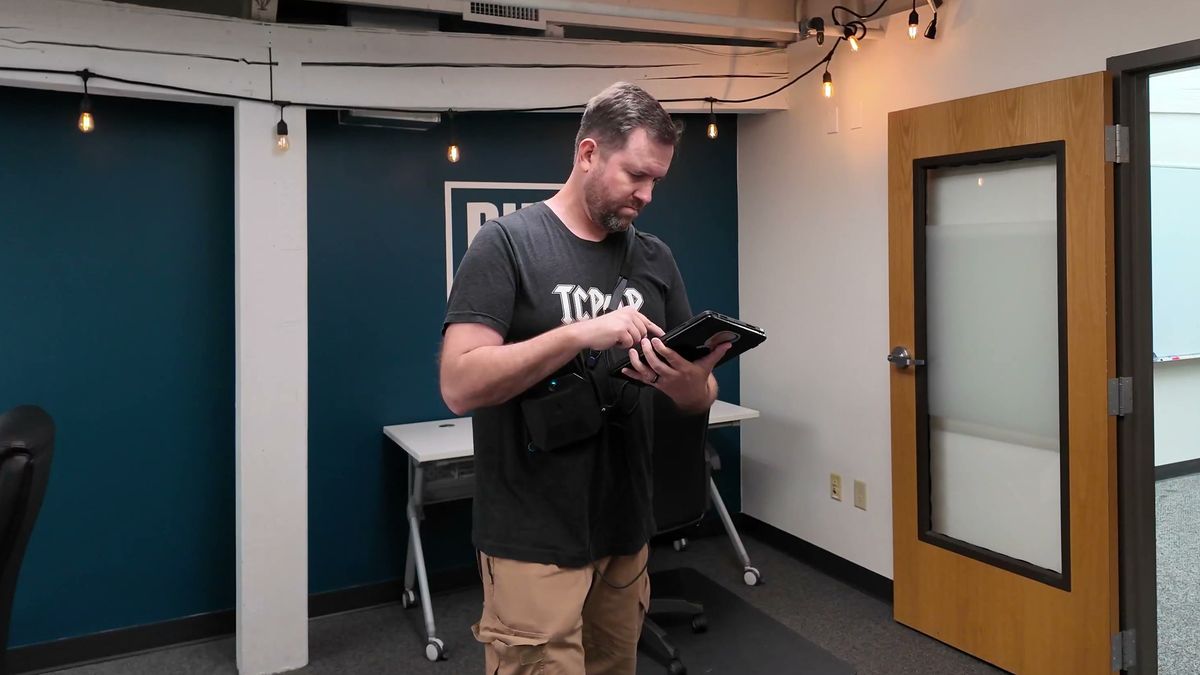
We coach someone on your team through a walk-through of the building to check real-world coverage, and we adjust the settings based on what it shows.
Documentation and ongoing support
You get documentation of how your WiFi is set up. After that, keep us on call with prepaid hours, or have us look after it every month with a Managed Network plan.
Why Crosstalk?
Design first, hardware second
We plan the coverage and pick the access points before you spend a dollar on equipment, so you only buy what the building needs.
More than a decade of teaching WiFi
Chris has spent more than a decade reviewing access points and teaching WiFi on the Crosstalk Solutions YouTube channel. The same best practices go into every network we design.
Equipment you own
We specialize in UniFi, and we work with TP-Link Omada and Fortinet too. No access points that stop working when a yearly license lapses.
The whole network, not just the WiFi
WiFi is only as good as the switches, firewall and internet behind it. Our network design and engineering team can look after all of it.

How we think about access point placement
Chris takes a real floor plan and walks through where he'd put each access point, and why. It's the same thinking that goes into every WiFi design we do for our customers.
Watch the videoHere's how the pricing works
WiFi projects are billed from prepaid hours, and we'll estimate the hours up front so there are no surprises.
Network & Security Checkup
$795 per site
Fixed price per site, done remotely
We review your network and security setup and send you a written report with what we found and what we'd fix first. Start a project or a Managed Network plan within 30 days, and we'll credit you the cost of the Checkup.
Book a Checkup See what the Checkup coversPrepaid hours
| 2-hour block | $390 | $195/hr |
| 10-hour block | $1,755 | $175.50/hr |
| Pay as you go | $225/hr |
Purchased hours can be used for networking or VoIP phone system services as needed.
Managed Network plans
From $99/month
We monitor your network around the clock, keep your access points and the rest of your network updated, and back up your configurations every month.
See the plansBusiness WiFi FAQs
How many access points do I need?
It depends on the size and shape of the building, what the walls are made of, and how many people and devices are in each space. A conference room with 30 laptops needs more capacity than an office of the same size with two people in it. That's exactly what the design work answers: you get a plan showing how many access points you need and where each one goes, before you buy anything.
Can you really design our WiFi remotely?
Yes! We design from your floor plans, or from a few photos and rough measurements if that's all you have, and we configure everything remotely once the access points are online. After it's running, we coach someone on your team through a walk-through to check the real-world coverage, and we fine-tune from there. We work with businesses across the US and Canada.
Do we need a WiFi site survey?
Not before the design. We build a predictive survey from your floor plans, which shows where each access point goes and what it covers. After the access points are up, we coach someone on your team through a walk-through to check real-world coverage, and we fine-tune from there.
Who installs the access points?
Usually your own staff, and sometimes a contractor you hire. Mounting an access point and plugging in its cable is straightforward, and we'll walk them through it. If the building needs new network cabling, we recommend a licensed low-voltage electrician.
What's the best WiFi for a small business?
For most small and mid-sized businesses, we recommend UniFi: it performs well, it's managed from one place, and there are no yearly license fees. TP-Link Omada is a good budget-friendly option, and Fortinet makes sense if you already run FortiGate firewalls. Whatever the brand, wired access points placed according to a proper design will almost always beat a consumer mesh system.
Should we use mesh WiFi?
Only where you have to. Mesh access points connect to each other over WiFi, which cuts their speed and adds another thing that can go wrong. Wherever a network cable can reach an access point, use the cable. Mesh is a good fix for the odd spot a cable can't reach, but it shouldn't be the plan for the whole building.
Do we need WiFi 7?
Not necessarily. WiFi 7 access points help the most when your laptops and phones support WiFi 7 too, and when you have lots of devices in one space. For many offices, WiFi 6 or 6E is plenty today. We'll recommend what fits your devices and your budget, not just the newest thing.
Can guests use our WiFi without reaching our business network?
Yes, and they should. We set up a separate guest network that can reach the internet but not your computers, printers, cameras or servers. We can also limit guest bandwidth so a guest streaming video doesn't slow down your team.
Can you set up a guest login page (captive portal)?
We can, but we usually recommend against it. When a login page won't load on someone's device, the call comes to your front desk. A simple guest WiFi password, changed every so often, is easier on everyone.
How much does business WiFi design cost?
WiFi projects are billed from prepaid hours, and we'll estimate the hours up front so there are no surprises. Not sure where to start? Start with a Network & Security Checkup, $795 per site. If you start a project or a Managed Network plan within 30 days, we'll credit you the cost of the Checkup.
Can you fix the WiFi we already have?
Absolutely! A lot of slow WiFi comes down to settings: channels, transmit power, too many WiFi names, or access points fighting each other. We'll find out what's actually wrong before suggesting new hardware.
Do you do WiFi for homes?
Our services are for businesses and organizations. For home WiFi, check out our sister company, Rogue Support.
Let's fix your WiFi for good
Tell us about your space and what isn't working. We'll tell you what it takes to get WiFi that works in every room.
Non-profit? Each month, we do free Checkups for 4 non-profit organizations. Apply here.