Network & Security Checkup
Find out exactly where your network stands. We review your firewall, WiFi, admin access and more, then send you a written report that tells you what to fix first.
Fixed price, done remotely, for businesses and organizations across the US and Canada.
$795 per site
Start a project or Managed Network plan within 30 days, and we'll credit you the cost of the Checkup
- A review of your network and security setup, one site
- An inventory of your network equipment, whatever the brand
- A written report, ranked by priority
- A 30-minute review call to walk through the report
When is it time for a Checkup?
Settings that made sense when the network was installed often don't hold up a few years later, especially after staff, vendors and equipment have changed.
- Nobody has looked at the firewall rules since the network was installed.
- You're not sure which devices are still getting security updates.
- The person who set up the network has moved on, and so has the documentation.
- Guests, cameras and phones might be on the same network as your business data.
- An insurance questionnaire or an auditor is asking questions you can't answer yet.
- You're planning an upgrade and want to know what's worth keeping.
- Fix now Firewall admin page reachable from the internet, no two-factor authentication on the admin account
- Fix soon Security cameras on the same network as the office computers
- Nice to have Network settings backed up by hand instead of automatically
What does the Network & Security Checkup cover?
Seven areas, and the same checklist our engineers work through on every Checkup.
Equipment and firmware
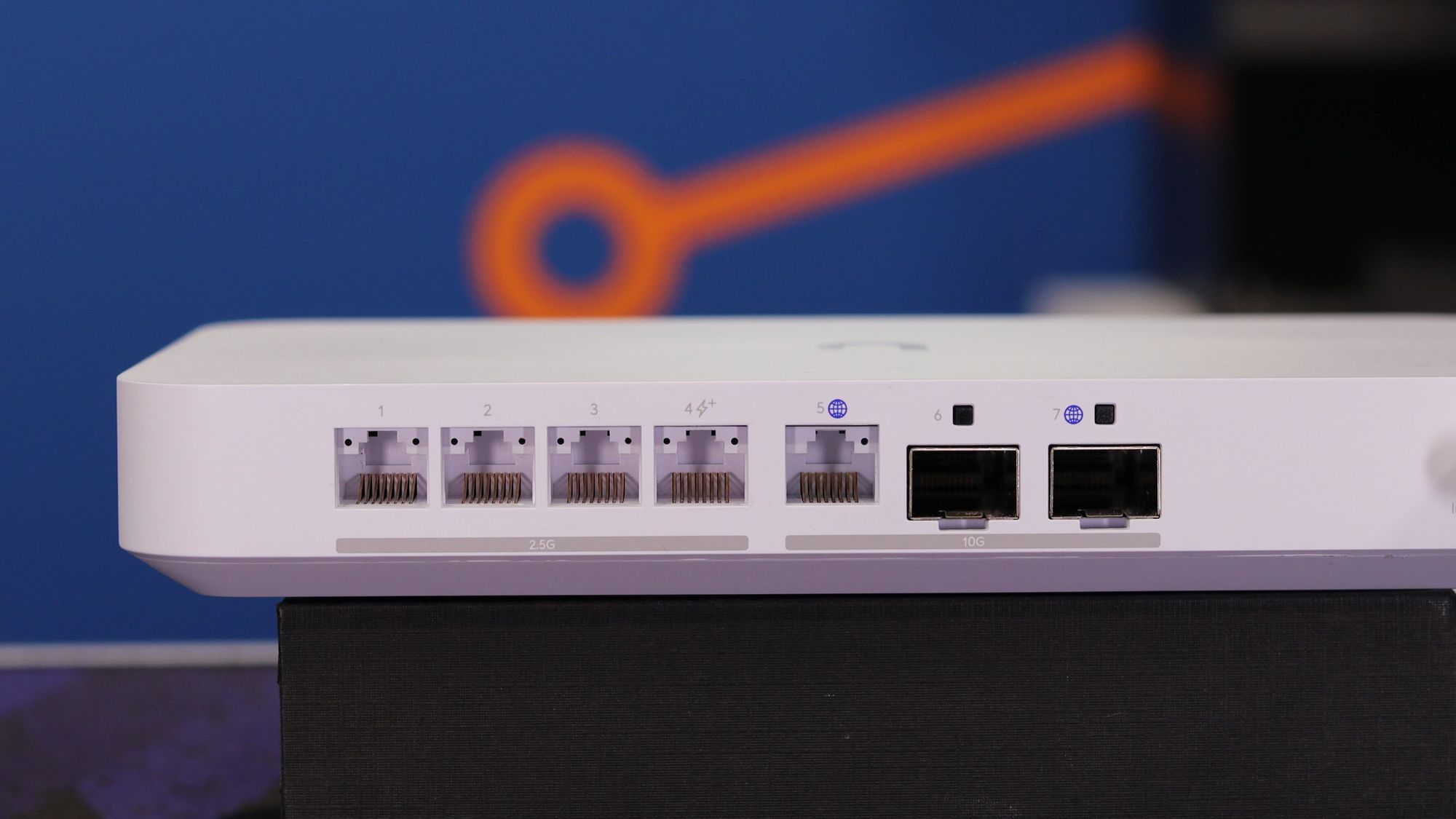
We inventory your firewall, switches and access points, whatever the brand, and flag firmware that is out of date and equipment that no longer gets security updates.
Firewall and remote access
We review your firewall rules, port forwards and VPN setup, looking for anything that exposes your network to the internet. With your written permission, we also run external network scans to search for vulnerabilities and open ports. Anything that does not need to be public goes on the list to move behind zero-trust remote access.
Admin access
We check for default and shared passwords, whether admin accounts use two-factor authentication, and who has admin access to your network equipment.
Network segmentation
We look at how your network is divided (VLANs) and whether guests, cameras, phones and smart devices are kept apart from your business data.
WiFi
We review your WiFi security settings, WiFi names (SSIDs), channels and transmit power, how many devices connect to each access point, and whether devices switch smoothly from one access point to the next as people move around.
Internet and power
We check whether a single internet outage would take your business offline, whether a backup connection would take over, and whether your core network equipment is on battery backup (UPS).
Backups and monitoring
We check whether your network settings are backed up, and whether anyone gets an alert when a device or your internet connection goes down.
Plus the report and the call
A written report with every finding ranked Fix now, Fix soon or Nice to have, and a 30-minute review call to walk through it.
Request a Checkup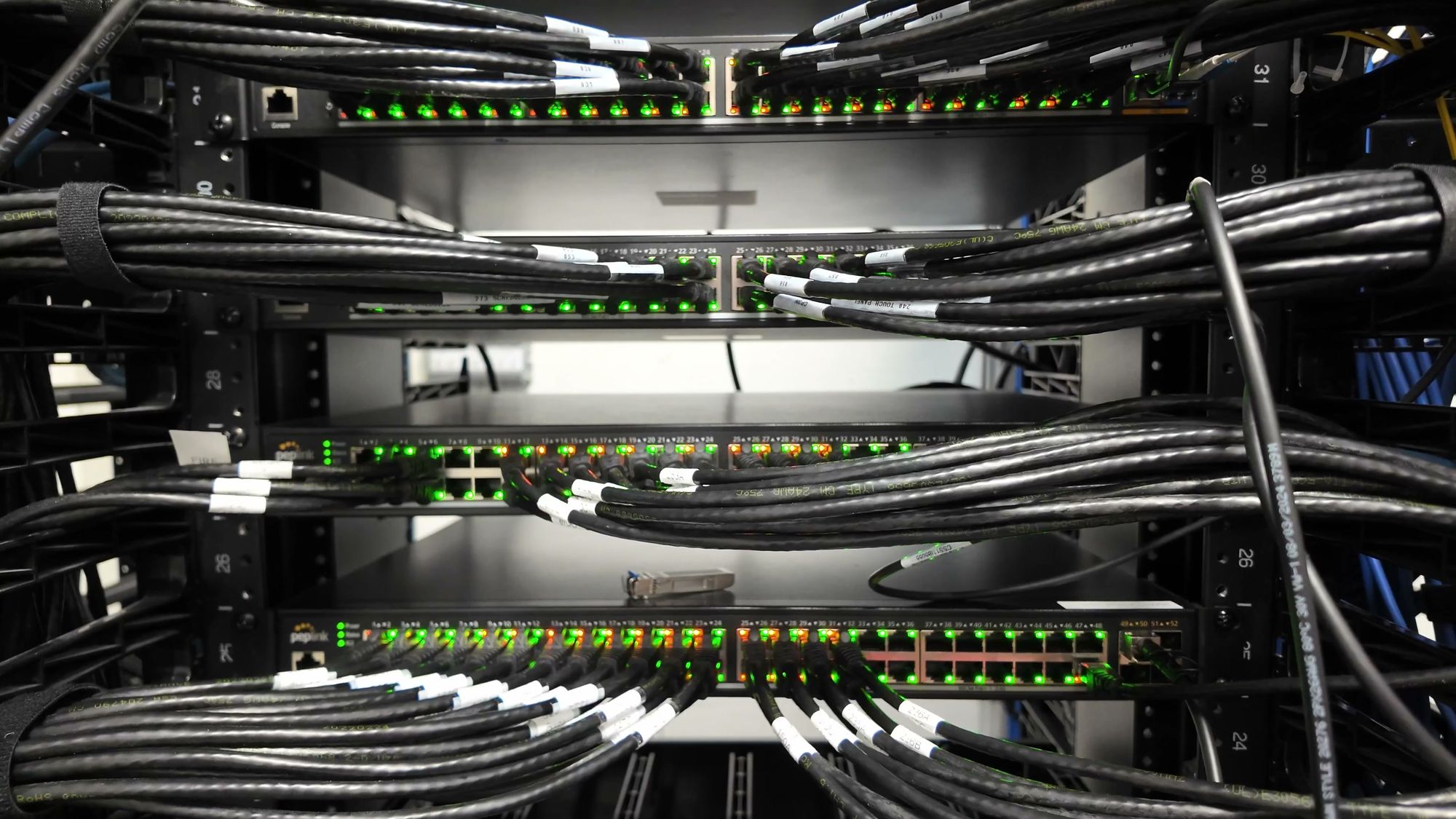
How the Checkup works
Everything is done remotely. Most customers have their report within a week of giving us access.
Request your Checkup
Tell us about your site: how many people work there, what equipment you have (if you know), and any problems you've noticed.
Give us access
The easiest option is a temporary admin account on your network equipment, plus access to a computer on your network. We can also work over a screen share, or connect through a VPN.
We review your network
Our engineers go through every area of the Checkup. With your written permission, we will perform external network scans to search for vulnerabilities and open ports.
You get the written report
Usually within a week of you giving us access. Every finding is ranked Fix now, Fix soon or Nice to have, with a plain-English explanation of why it matters.
We walk you through it
A 30-minute review call to go through the report and answer your questions. Invite anyone from your team you'd like to have there.
Fix it your way
Your team can work through the report on its own, or we can do the work for you. Start a project or a Managed Network plan within 30 days, and we'll credit you the cost of the Checkup.
Why have Crosstalk do your Checkup?
Engineers, not a scanning tool
Automated scans miss the things that matter most, like who has admin access and whether the guest WiFi can reach your file server. Our engineers go through your network themselves.
More than a decade of teaching it
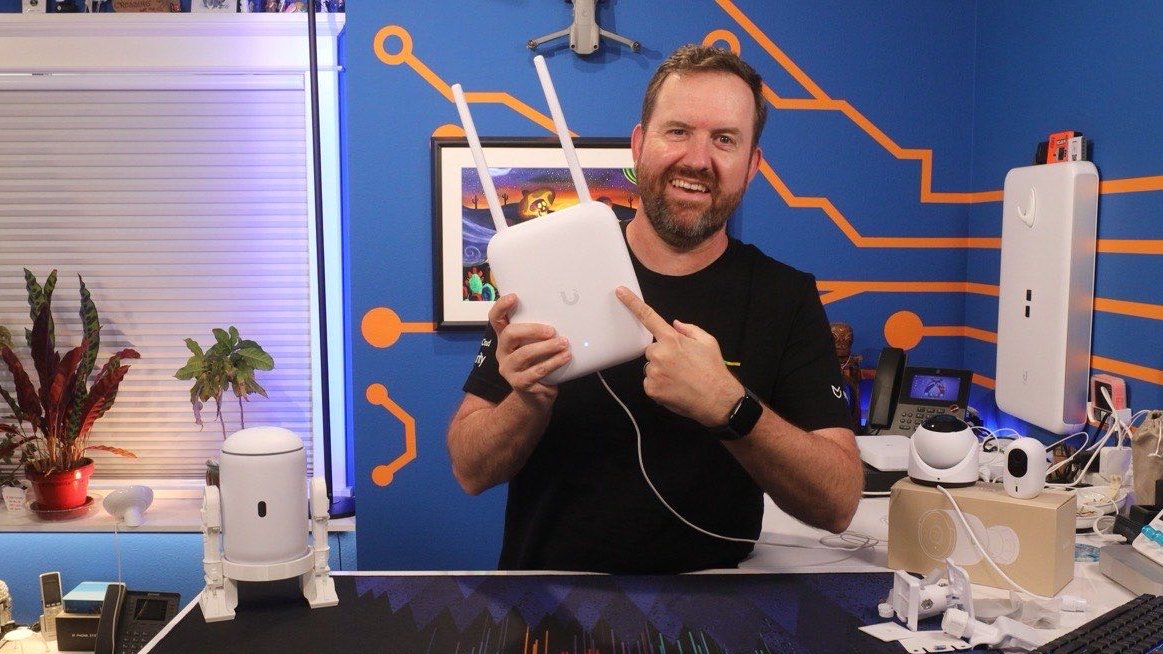
Chris has spent more than a decade teaching networking and security on the Crosstalk Solutions YouTube channel. The Checkup is built on the same best practices.
A report your team can use
Plain English, ranked by priority, and specific about what to change. Your team can work through it, or we can handle it for you.
Network & Security Checkup
$795 per site
The review, the written report and the review call are all included. Start a project or a Managed Network plan within 30 days, and we'll credit you the cost of the Checkup.
Request a CheckupFree Checkups for non-profits
Free for
4 non-profitsevery month
Non-profits do important work on tight budgets. Each month, we do free Network & Security Checkups for 4 US 501(c)(3) organizations, the same Checkup and the same report.
Apply for a free Checkup More about the non-profit programNetwork Checkup FAQs
What is a network security assessment?
A network security assessment is a review of how your network is set up and secured: the firewall, the switches, the WiFi, who has admin access, and how well the network would hold up if something failed. Our Network & Security Checkup is a fixed-price network security assessment, done remotely, with a written report that tells you what to fix first.
Is a network audit the same thing?
Mostly, yes. People use network audit, network assessment and network health check for the same job: a review of how the network is built and secured. Our Checkup is a fixed-price version of that, with a written report ranked by priority.
How much does a network assessment cost?
The Network & Security Checkup is $795 per site, with the written report and the review call included. If you start a project or a Managed Network plan within 30 days, we'll credit you the cost of the Checkup.
How long does it take?
You'll usually have the written report within a week of giving us access. The review call is scheduled whenever it suits your team.
What access do you need?
The easiest option is a temporary admin account on your network equipment (your firewall or UniFi console, for example), plus access to a computer on your network. If you'd rather not create accounts, we can work over a screen share with someone from your team. We can also connect through a VPN you set up for us, or set up a private Tailscale network just for your site. When the Checkup is done, you can remove the accounts.
Do you scan our network from the outside?
Only with your written permission. An external scan looks at your network the way someone on the internet would. It shows which ports are open and whether anything exposed has known vulnerabilities. We ask before we run it, and we tell you when it will happen.
We have servers and admin pages open to the internet. Can you fix that?
Yes. The Checkup shows what is exposed, and we can move admin access behind Tailscale so only your approved people and devices can reach it. See Secure Remote Access for how that works.
Is this a penetration test?
No. A penetration test tries to break into your network. The Checkup compares your network's settings with security best practices, so you can close the gaps before someone else finds them.
What equipment do you check?
All of it. We inventory every piece of network equipment at your site, whatever the brand. We specialize in UniFi, Fortinet, TP-Link Omada, pfSense and OPNsense, so on those platforms we go deeper into the settings.
We have several locations. Is that one Checkup?
The Checkup is priced per site, at $795 each. If your locations share the same equipment and settings, tell us when you book, and we'll talk through the best way to cover all of them.
Do we have to hire you to fix what you find?
Not at all. The report is yours, and it's written so your own team can work through it. If you'd like us to do the work, we can, and if you start within 30 days, we'll credit you the cost of the Checkup.
What if our network is already in great shape?
Then we'll tell you that, in writing. That's worth having too, especially when an insurer, an auditor or your leadership team asks.
Do you offer free Checkups for non-profits?
Yes! Each month we do free Network & Security Checkups for 4 US 501(c)(3) organizations. Tell us about your organization and we'll get you on the schedule.
Know where your network stands
Request a Network & Security Checkup and we'll tell you exactly what needs attention. If your network is in great shape, we'll tell you that too!