Networking and VoIP, from the field
Guides, reviews and opinions from Chris Sherwood and the Crosstalk Solutions team, based on the networks and phone systems we design and support every day.
Latest posts

How to Disappear Online
How to disappear online: private browsers, HTTPS-only mode, private search, DNS over HTTPS, VPNs, Pi-hole ad blocking, Tor and Tails.

I Cancelled Starlink.
Why I cancelled my Starlink Residential service after price hikes, 1TB data caps, weak customer support and the loss of portability.

Cloudflare Tunnel Easy Setup
How to set up a Cloudflare Tunnel with a cloudflared Docker connector on a Synology NAS, reach LAN services over HTTPS and lock them down with Zero Trust.
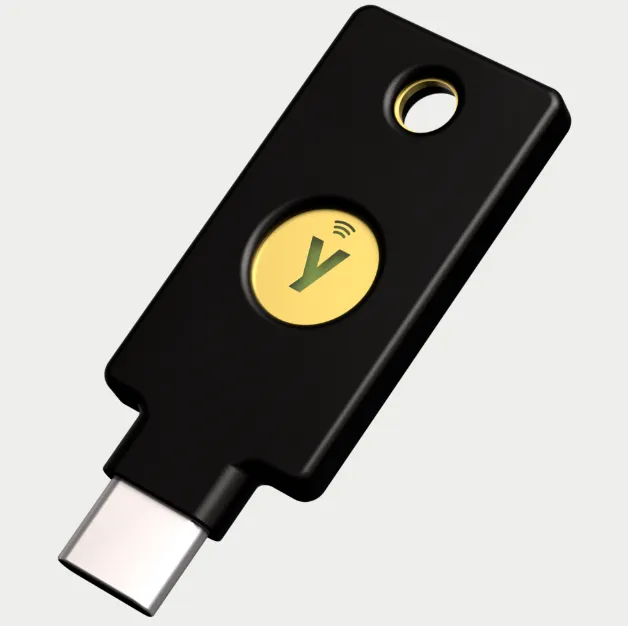
Easy Yubikey How-To: Two Factor Authentication for iOS!
How to set up YubiKey security keys (FIDO U2F) to protect your Apple ID on iOS 16.3, with step-by-step iPhone screenshots.

T-Mobile Home Internet Review
T-Mobile 5G Home Internet review with speed tests, 30 days of logged results, double NAT and static IP limits, and where it fits as backup internet.

Orange Pi 5: Simple Overview and Installation with M.2 SSD
Orange Pi 5 overview and setup guide: flash Ubuntu to a microSD card, then move the OS to an M.2 NVMe SSD and boot from it via SPI flash.

Starlink Side Hustle: How To Make Money with your Internet
How to build a portable Starlink network in a box with UniFi, a paid captive portal, battery power and Layer 7 filtering to sell Wi-Fi at events.

Mastodon Easy Server Setup
How to set up your own Mastodon server on a Digital Ocean droplet with the one-click install, Spaces storage, SendGrid SMTP and CrowdSec.

The World's Greatest Pi-hole (and Unbound) Tutorial 2023
Pi-hole and Unbound setup on a Raspberry Pi, step by step: imaging, static IP, install, block lists, and your own recursive DNS resolver.
TP-Link Omada Installation on Ubuntu 20.04
How to install the TP-Link Omada SDN software controller on Ubuntu 20.04, with OpenJDK 8, jsvc, MongoDB 4.4 and the Omada installer.

PiVPN / WireGuard Complete Setup 2022
Step-by-step PiVPN and WireGuard setup on a Raspberry Pi: install, static IP, port forwarding, client QR codes, conf files and backups.

Sonoff RF Bridge: How To Setup with Home Assistant
How to set up a Sonoff RF Bridge with Home Assistant: pair it in eWeLink, add Sonoff LAN through HACS and automate RF lights with a motion sensor.
Need this done for your business? See Network Design & Engineering, Managed Networks and Phone Systems.